If you run a manufacturing unit in Okhla, a distribution business in Narela, or a trading firm in Gurgaon, your "order system" probably looks like this: a WhatsApp group, a few Excel sheets, and one person who knows which customer gets which rate. That person is also your biggest risk.
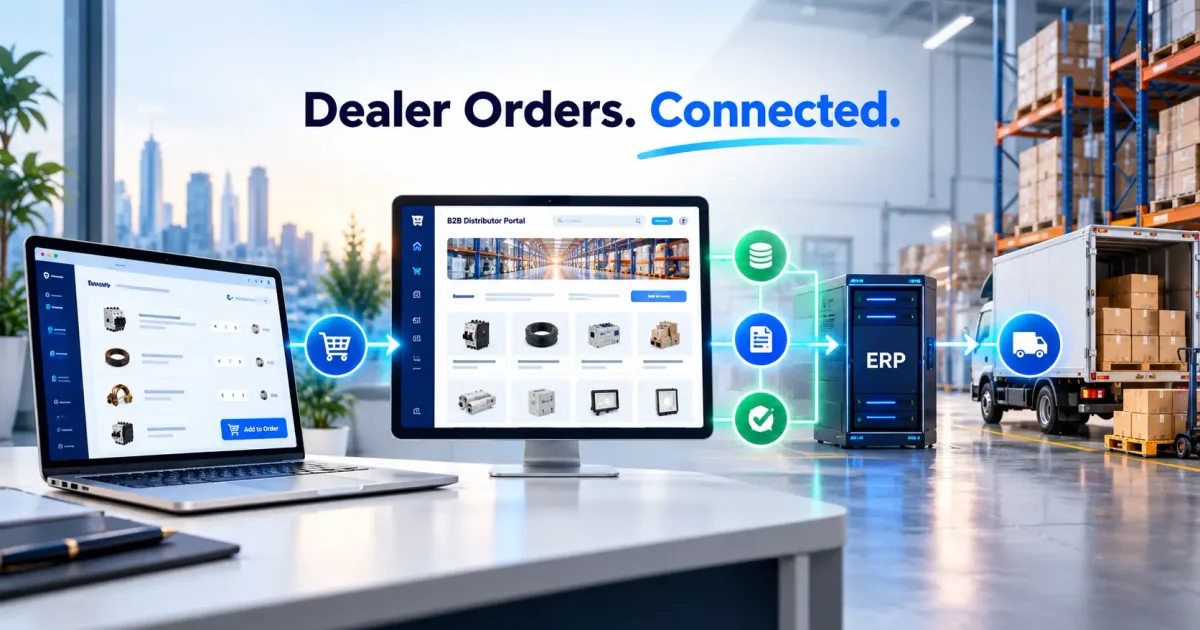
A custom B2B portal replaces that chaos with a login. Your dealers see their own prices, place orders at any hour, and check dispatch status without calling anyone. Your team stops copying orders from chat into sheets.
Here's how these portals work, what to build first, and where the money goes.
Why Shopify and WooCommerce Struggle With B2B
Retail stores assume one price for everyone and one payment at checkout. Wholesale doesn't work like that:
- Every dealer has a different price list, sometimes different per product category
- Orders need minimum order quantities and pack sizes (cartons of 12, pallets of 40)
- Many buyers pay on credit with a limit, not at checkout
- A single order may ship from multiple warehouses
- GST invoices must carry the buyer's GSTIN, with correct CGST/SGST or IGST split
- Orders often need an approval step before they go to dispatch
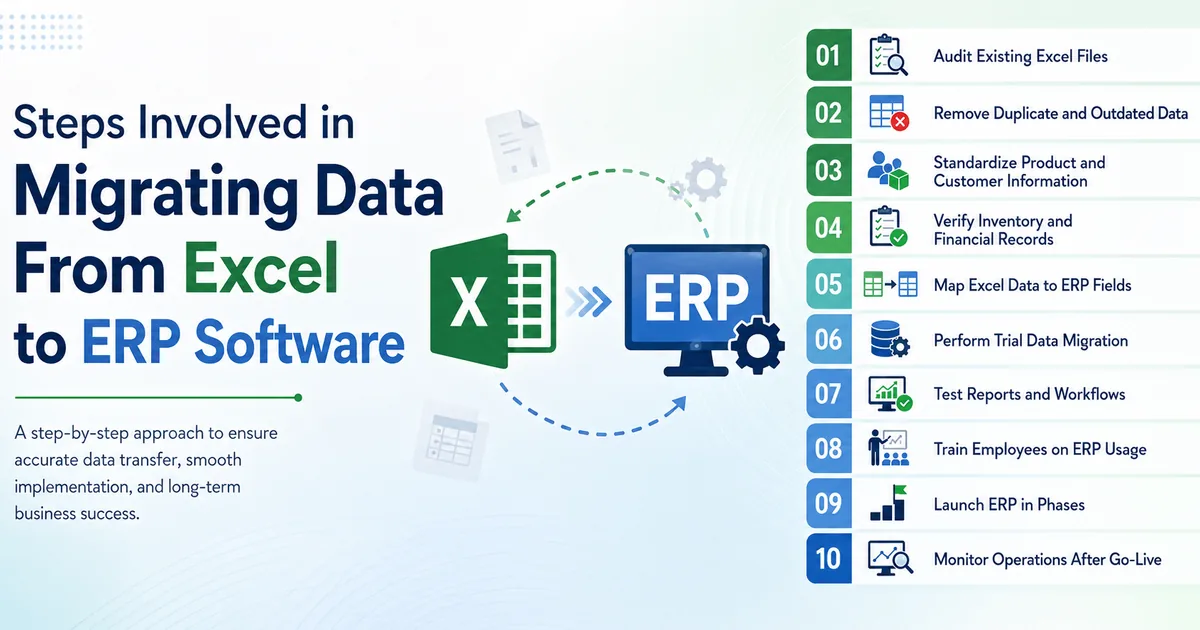
You can bend a retail platform to do some of this with plugins. Each plugin adds cost, slows the site and breaks at the next update. At some point it's cheaper to build exactly what you need. We made a similar argument for operations in moving from Excel to a custom CRM/ERP.
The Core Modules
Don't try to build everything at once. A working first version has five parts.
1. Dealer accounts and approval
Dealers register with GSTIN, PAN and shop details. You approve them and assign a price tier. Until then, they can't see prices. This keeps competitors and random browsers out.
2. Tiered pricing and catalogue
One product, several prices: distributor, dealer, retailer, plus special rates for named customers. Bulk slabs (order 100 units, get a lower rate) go here too.
3. Order flow
Quick reorder from past orders, CSV upload for large baskets, and saved carts. Dealers who order the same 40 SKUs every month shouldn't have to click through 40 product pages.
4. Credit and payments
Show each dealer their credit limit, outstanding balance and overdue invoices. For advance or part payments, Razorpay or Cashfree handle UPI, net banking and payment links. Our payment gateway comparison covers which to pick.
5. Vendor and procurement side
If you buy from suppliers too, a mirror module lets vendors confirm purchase orders, upload invoices and update delivery dates. This is where most of the follow-up calls disappear.
How the Pricing Logic Works
This is the part spreadsheets get wrong most often. Here's a clean version in TypeScript. It resolves the dealer's price for a line item, checks MOQ and pack size, and refuses to exceed their credit limit.
// lib/pricing.ts
type PriceRule = { tier: string; minQty: number; unitPrice: number };

type Product = {
  sku: string;
  moq: number;
  packSize: number;
  rules: PriceRule[];
};

type Dealer = { tier: string; creditLimit: number; outstanding: number };

type OrderLine = { sku: string; qty: number };

export function priceLine(product: Product, dealer: Dealer, qty: number) {
  if (qty < product.moq) {
    throw new Error(`${product.sku}: minimum order is ${product.moq}`);
  }
  if (qty % product.packSize !== 0) {
    throw new Error(`${product.sku}: order in multiples of ${product.packSize}`);
  }

  // Best matching slab for this dealer's tier: highest minQty that qty satisfies
  const rule = product.rules
    .filter((r) => r.tier === dealer.tier && qty >= r.minQty)
    .sort((a, b) => b.minQty - a.minQty)[0];

  if (!rule) throw new Error(`${product.sku}: no price set for tier ${dealer.tier}`);

  // Work in paise so rounding never drifts across hundreds of lines
  const unitPaise = Math.round(rule.unitPrice * 100);
  return { unitPaise, lineTotalPaise: unitPaise * qty };
}

export function checkCredit(dealer: Dealer, orderTotalPaise: number) {
  const availablePaise = Math.round((dealer.creditLimit - dealer.outstanding) * 100);
  return { approved: orderTotalPaise <= availablePaise, availablePaise };
}
Two things matter here. Money is held in paise as whole numbers, so you never get a ₹0.01 mismatch on a GST invoice. And the rules run on the server, never in the browser. A dealer who edits a price in dev tools should get nothing for the effort.
Orders that fail the credit check shouldn't just bounce. Route them to your accounts person for approval, with a one-tap approve button on mobile.
Tech Choices That Hold Up
A stack we use often for B2B portals:
- Next.js for the dealer-facing app (fast on patchy mobile networks, which matters for field sales)
- PostgreSQL for orders, price tiers and ledgers
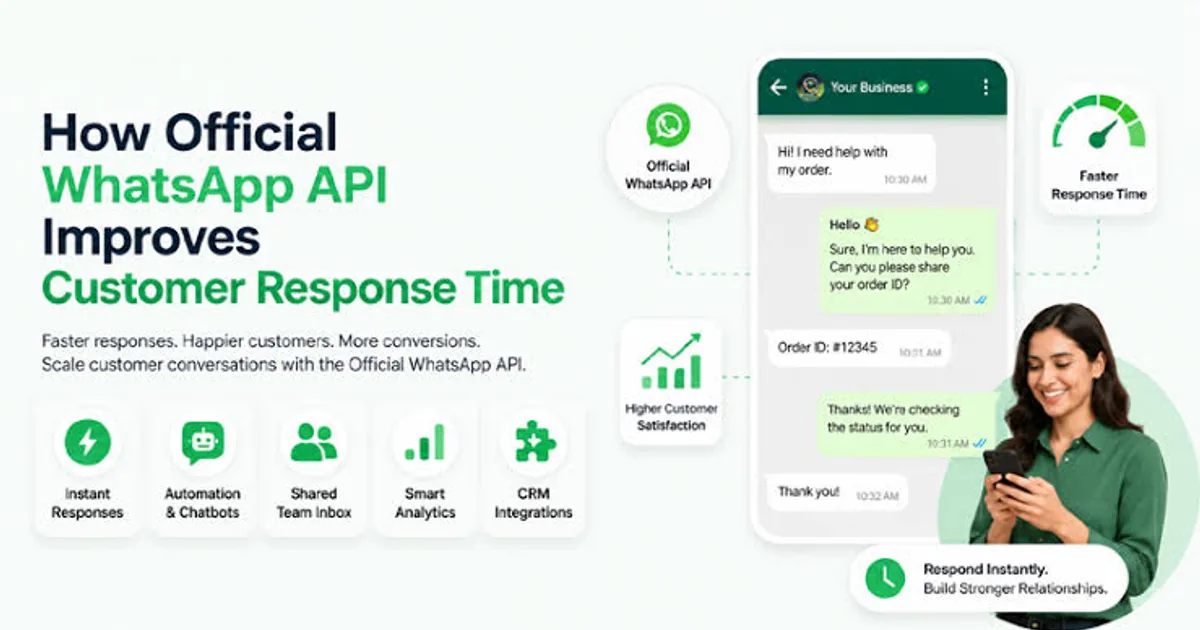
- A background job queue for invoice PDFs, e-way bill data and email or WhatsApp notifications
- Role-based access: admin, sales rep, accounts, warehouse, dealer, vendor
- Tally or Zoho Books sync, so accounts don't re-enter anything
That last point decides whether the portal gets used. If your accountant still has to key everything into Tally by hand, the portal becomes extra work and people drift back to WhatsApp.
What It Costs and How Long It Takes
Rough ranges for Delhi NCR in 2026. Your scope will change these.
| Scope | Typical budget | Timeline |
|---|---|---|
| Basic portal: dealer login, catalogue, tiered pricing, order placement | ₹3,00,000 to ₹6,00,000 | 8 to 12 weeks |
| Full portal: credit control, approvals, vendor module, Tally sync | ₹6,00,000 to ₹14,00,000 | 12 to 20 weeks |
| Ongoing hosting, support and updates | ₹8,000 to ₹30,000 a month | Ongoing |
Compare that to what you spend today. If three people spend half their day taking and re-entering orders, the portal often pays back inside a year. Add the orders you lose when a dealer can't reach anyone on a Sunday evening.
Mistakes We See Repeatedly
- Building every feature before launch. Start with 10 to 20 of your best dealers and fix what they complain about.
- Ignoring how dealers actually work. Many order from phones, between customers. If the portal needs a laptop, it fails.
- No import path. Your 3,000 SKUs and 400 dealer price lists need a clean bulk upload on day one.
- Skipping training. Plan for a WhatsApp video walkthrough in Hindi and English. It does more than a manual.
What To Do Next
Write down your last 20 orders: who placed them, how, what price, how long until dispatch. That list is your requirements document, and it will show you exactly where time is leaking.
INDOTREX builds custom software and CRM and ERP systems for manufacturers and distributors across Delhi NCR. Bring your order process to a short call, and we'll tell you what a first version should include and what to leave out. Get in touch.